
My Collections
1 / 2
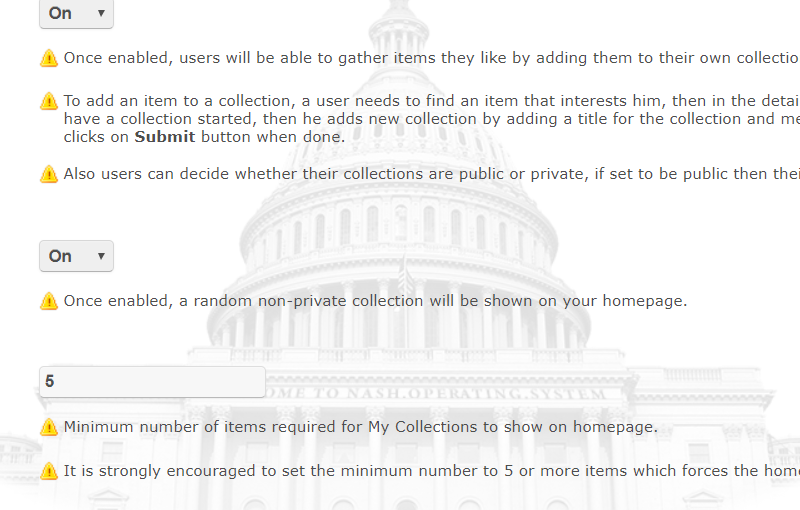
My Collections can be enabled via admin panel and once enabled, members will be able to gather products they like by adding them to their own collections.
To add an item to a collection, a member needs to find an item that interests him, then in the details page, clicks on Add to collection button, if he doesnt already have a collection started, then he adds new collection by adding a title for the collection and mentions what he likes about items in his collection, and finally clicks on Submit button when done.
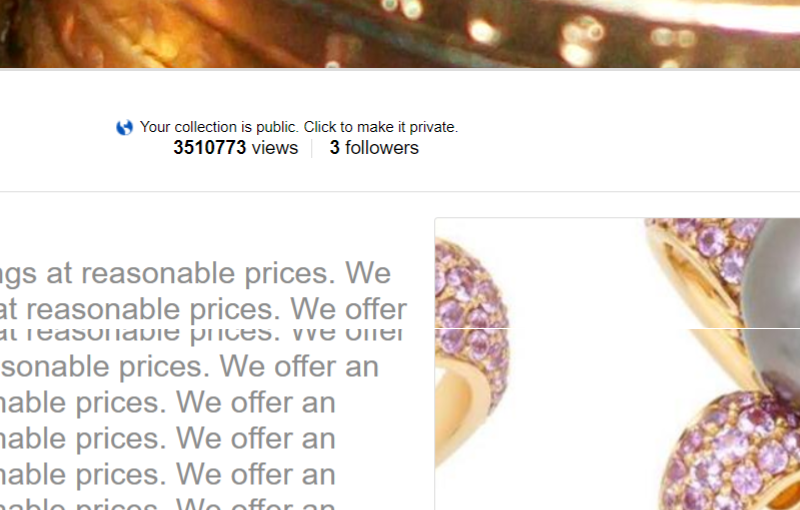
Also members can decide whether their collections are public or private, if set to be public then their collections will show on all collections page.
Tags