
Admin Panel: Multi-Channel Selling Views
1 / 2
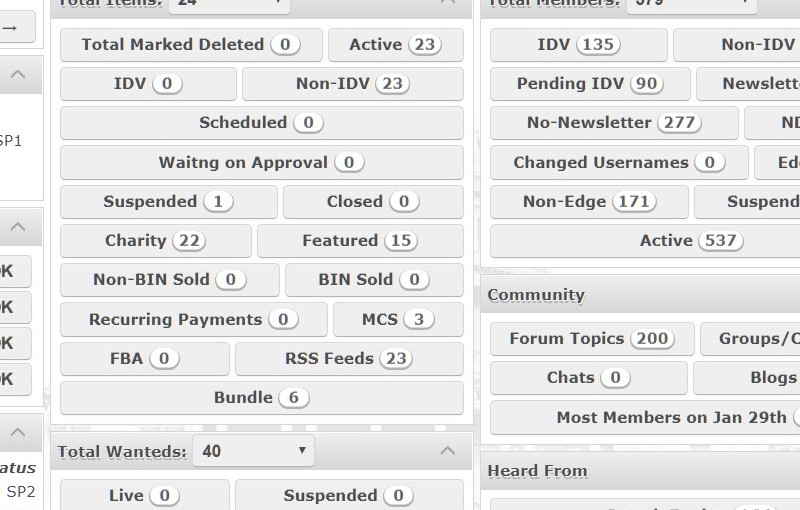
Settings for Multi-Channel Selling can be found inside the Admin Panel and to navigate to MCS settings, just follow below steps:
1. Login to Admin Panel.
2. Scroll left side navigation menu until you see Multi-Channel Selling and click on any of the channels to set them up to become available for sellers to proceed to their authentications (see pictures for more info).
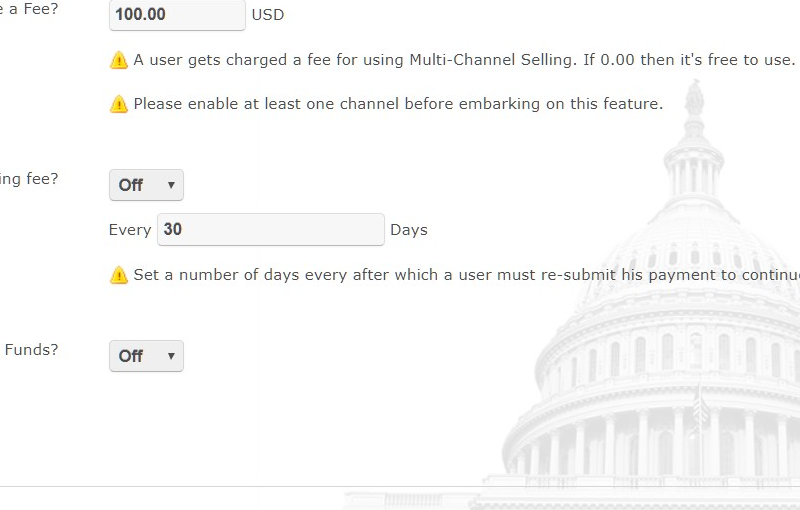
As the sites admin you can charge sellers for using MCS on your site. You can set a one-time fee or a recurring fee, whichever is better for your business.
Tags